
Wi-Fi scan
Review devices visible on the network and investigate unfamiliar addresses or manufacturers.
Use your iPhone or Android phone to investigate hidden camera clues across Wi-Fi, nearby signals, and the room in front of you. One calm check before you settle in.
See how it works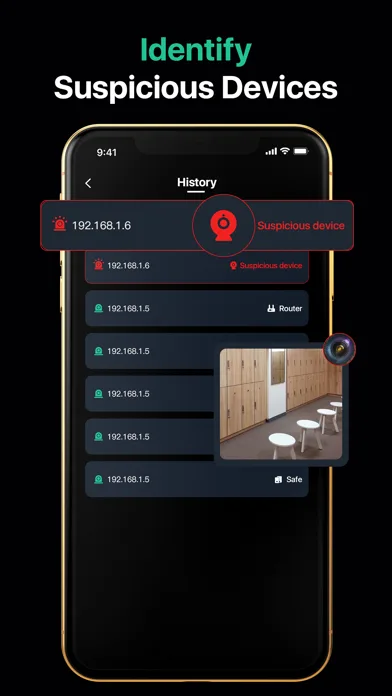
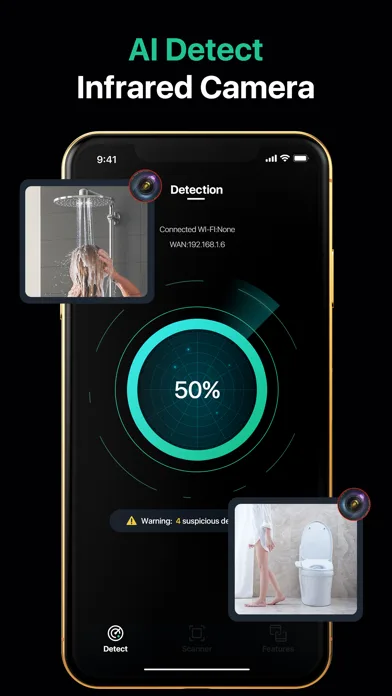
No phone can promise a room is camera-free. Hidden Camera Finder combines useful checks to help you decide what deserves a closer look.
Review devices visible on the network and investigate unfamiliar addresses or manufacturers.
Use high-contrast camera filters to make suspicious reflections easier to examine.
Surface nearby broadcasting devices and compare unknown signals as you move through the room.
Match digital results to real objects instead of treating an unknown device as proof.
Follow a calm, repeatable room check for hotels, rentals, offices, and changing spaces.
Know when to document, leave the room, contact the host, or report a credible concern.
Scan results are only the start. Review nearby devices, compare what you already recognize, and inspect the room before drawing a conclusion.
How detector apps work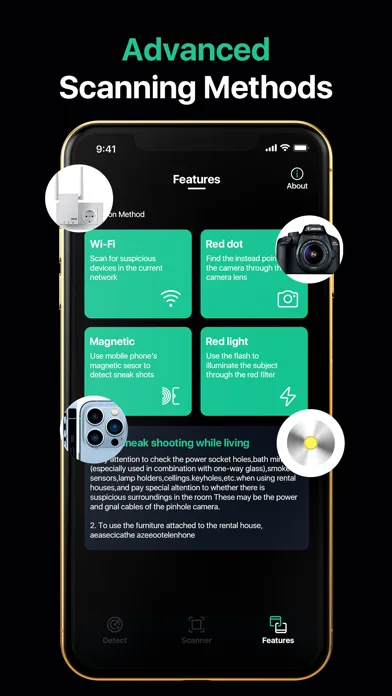
Find the private areas and objects with a useful line of sight.
Dim the lights and check suspicious surfaces from several angles.
Review visible Wi-Fi and nearby Bluetooth devices.
Match clues to physical objects, document concerns, and report safely.
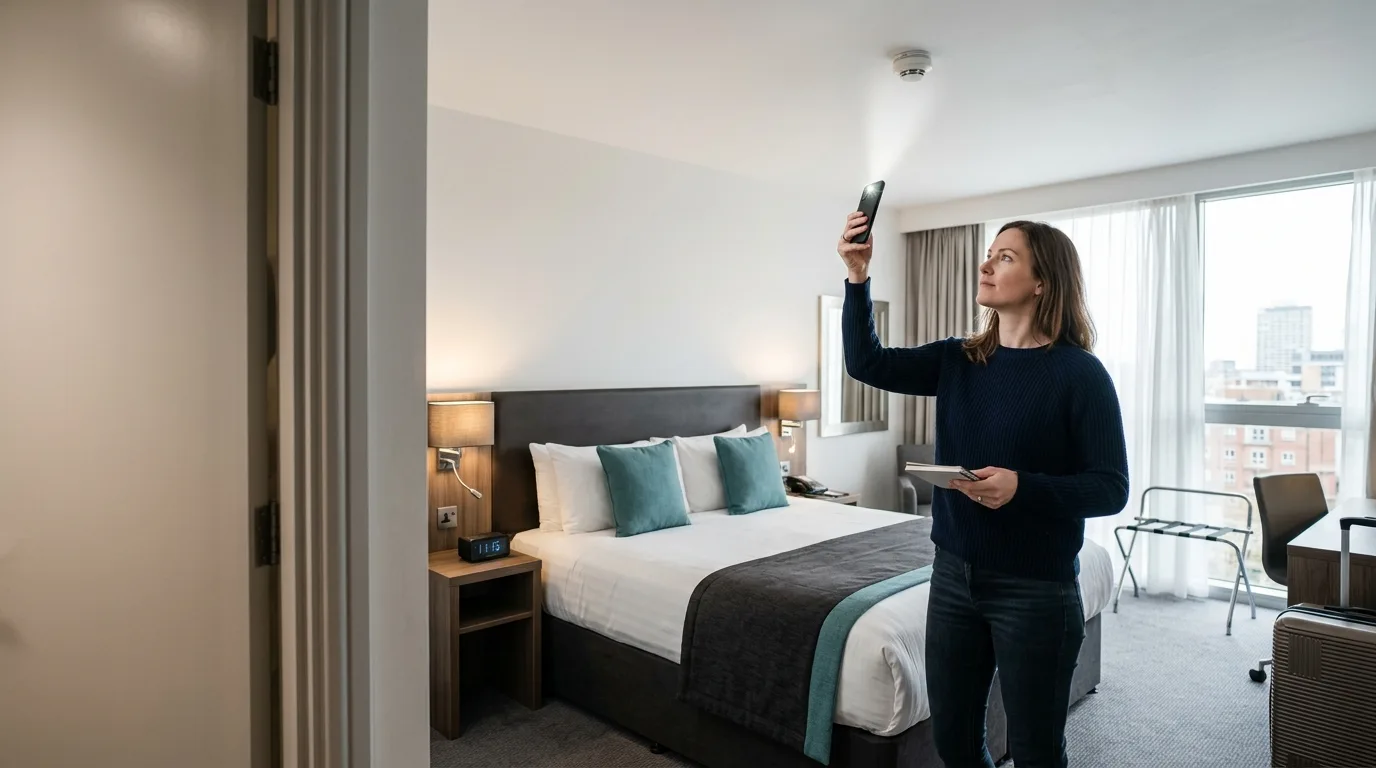
Inspect objects with a clear view of beds, bathrooms, and changing areas before you scan nearby signals. A calm visual check gives every digital result useful context.
Follow the complete hotel checklistPractical, evidence-aware checks for the places where privacy matters most.
A practical hotel room privacy check using visual inspection, light reflection, Wi-Fi scanning, and Bluetooth scanning.
Read guideUse your iPhone for a structured hidden camera check with lens reflection, network discovery, and Bluetooth scanning.
Read guideA calm, repeatable privacy checklist for vacation rentals, bedrooms, bathrooms, and shared spaces.
Read guideWi-Fi, Bluetooth, magnetic, and visual checks can surface useful clues but cannot prove that a camera is present. Results depend on the phone, room layout, permissions, and ambient light. Updated August 9, 2026 by the Hidden Camera Finder product team.
Choose SpotScan on iPhone or Spy Camera Detector Pro on Android. Both store links open the currently published listing.