Network device discovery
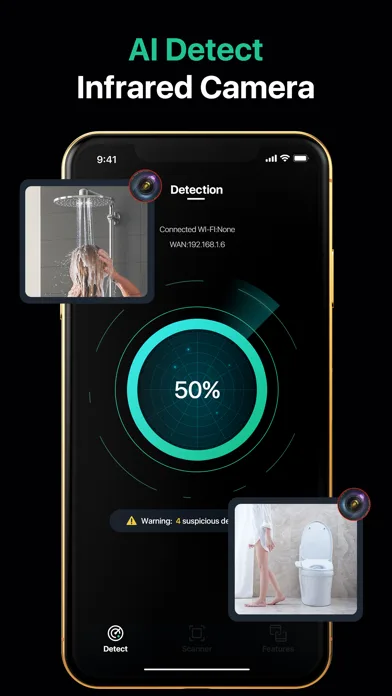
List devices visible on an authorized Wi-Fi network, then review their addresses, names, and likely device types.
Combine digital scans with a physical room check. Each method reveals a different kind of clue, and each has limits worth understanding.
List devices visible on an authorized Wi-Fi network, then review their addresses, names, and likely device types.
Surface broadcasting devices nearby and compare persistent signals as you move around an unfamiliar room.
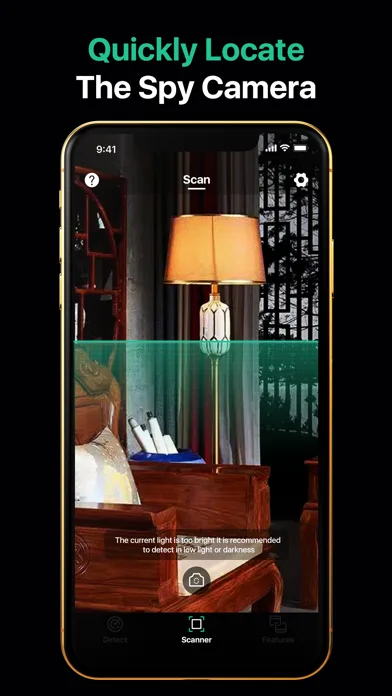
Inspect suspicious objects with high-contrast views designed to make small reflections easier to notice.
Move from sightlines to signals to physical verification in a calm and repeatable order.
An unknown signal is a prompt to investigate. Hidden Camera Finder helps you stay curious without jumping to conclusions.
Keep a lightweight travel privacy toolkit ready for hotels, vacation rentals, offices, and changing spaces.
Camera filters help you examine small openings, glossy surfaces, and objects facing private areas. Change angle and distance to separate a possible lens from ordinary metal, glass, or plastic.