
Authorized Wi-Fi scan
Review devices visible on a local network and compare unfamiliar names, addresses, and manufacturers.
Turn the iPhone you already carry into a practical first layer of privacy checking for hotels, rentals, offices, and unfamiliar rooms.
No single sensor can prove a room is camera-free. The app helps organize checks that are useful on an iPhone.
Review devices visible on a local network and compare unfamiliar names, addresses, and manufacturers.
Look for persistent Bluetooth devices as you move through the room and match them to equipment you recognize.
Use the iPhone camera and flashlight to inspect suspicious openings and reflections from several angles.
Combine app results with physical inspection and know when to document a concern instead of touching equipment.
Read the room, inspect objects facing private areas, sweep for reflections, then review authorized network and nearby-device clues. The order matters because digital results need physical context.
Read the iPhone inspection guide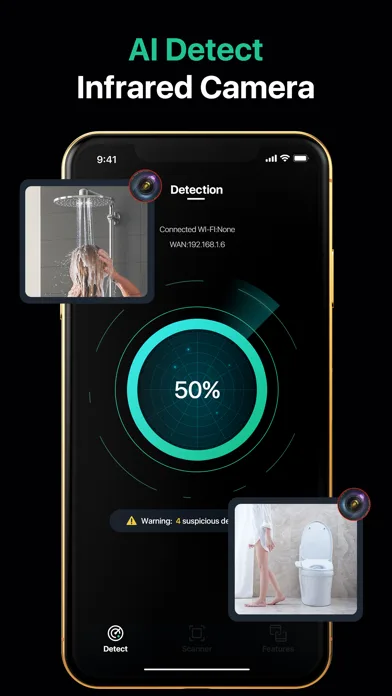
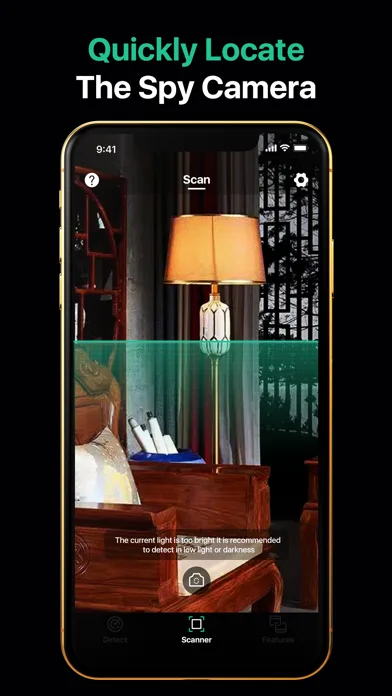
Use the app to narrow your attention, then confirm every clue against the physical room. A device name or reflection is a lead, not a verdict.
Before scanning a rental, capture the listing and any disclosed cameras or smart-home devices so you know what should be present.
Look first at objects with a view of beds, bathrooms, or changing areas. Check openings, power, position, and lens-like reflections.
Scan only networks you are allowed to use, review nearby signals while moving, and match each persistent result to a real object.
Do not dismantle unfamiliar equipment. Photograph it in place, preserve scan details, leave the area if needed, and report through the proper channel.
The same result means different things in a managed hotel, a private rental, a shared dorm, or a workplace. Start with the equipment that should normally be present.
Compare visible devices with hotel equipment, inspect objects facing the bed or bathroom, and remember that guest Wi-Fi may isolate devices.
Save the listing disclosure first, then relate iPhone scan clues to doorbells, exterior cameras, routers, TVs, and smart-home devices.
Focus on your private sleeping or changing area without scanning networks or property that you are not authorized to inspect.
Account for legitimate conferencing hardware before investigating an unfamiliar network name, Bluetooth signal, or reflection.
No. An iPhone can reveal useful clues, but offline, wired, cellular, and local-storage cameras may not appear in a phone scan.
Visual, flashlight, and some nearby-signal checks can still help. Network discovery requires an authorized Wi-Fi connection.
No. TVs, speakers, routers, locks, and building systems can appear as unfamiliar devices. Identify the physical object before drawing a conclusion.
Open SpotScan - Device Detector in the App Store and use it as one layer of a repeatable room check.