
Authorized Wi-Fi scan
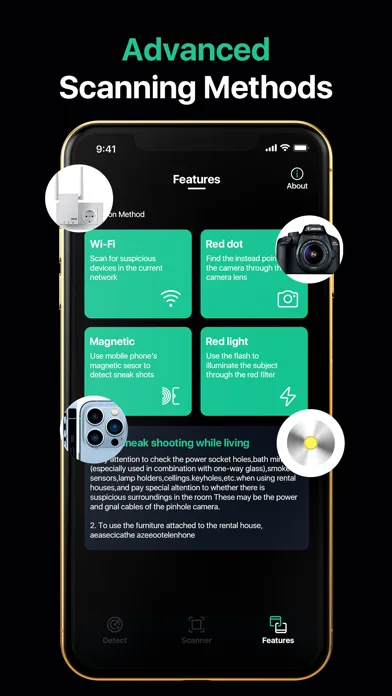
Review devices visible on a local network and investigate unfamiliar names, addresses, or manufacturers.
Use the Android phone you carry to organize a practical privacy check before settling into a hotel, rental, office, or unfamiliar room.
Android hardware varies, so no single reading is a verdict. Use several checks and verify what the phone shows.
Review devices visible on a local network and investigate unfamiliar names, addresses, or manufacturers.
Compare persistent Bluetooth signals with speakers, locks, TVs, and other equipment you recognize.
Use the Android camera and flashlight to inspect suspicious openings, surfaces, and reflections.
Interpret sensor readings with your phone model in mind and verify every result against a real object.
Start with sightlines and powered objects, then review authorized network and nearby-device clues. Android results are most useful when you connect them to the room in front of you.
Read the Android detector guide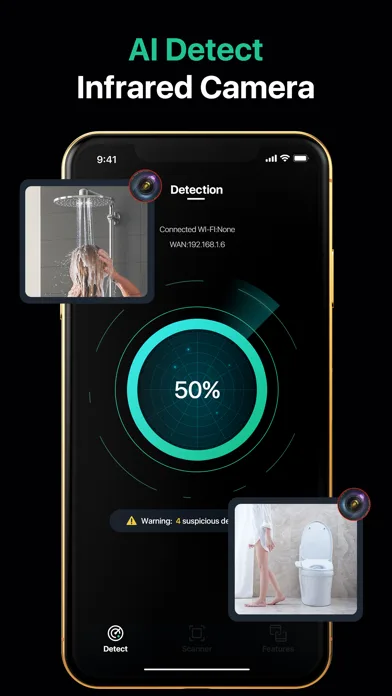
Android models expose different hardware and every property has different equipment. Begin with what should be in the room, then investigate only the clues that remain unexplained.
Compare network and Bluetooth results with the TV, lock, thermostat, and hotel infrastructure before treating a device as unusual.
Review the host disclosure and listing photos, then match Android scan clues to doorbells, routers, speakers, and smart-home controls.
Check your private sleeping or changing area while respecting shared networks, other guests, and property you cannot inspect.
Expect conferencing and presentation devices. Verify the physical source before deciding that an unfamiliar Android result is concerning.
No. Offline, wired, cellular, and local-storage cameras may not appear in a phone scan.
Android devices have different sensors and hardware. A missing sensor or different camera module can change which checks are available.
No. It may be a router, speaker, TV, lock, or another normal device. Match the result to a physical object before concluding.
Open Spy Camera Detector Pro in Google Play and review unfamiliar spaces with more context.